
How do I buy a gift card?
 The ScarabPay team · Updated 15 October 2026
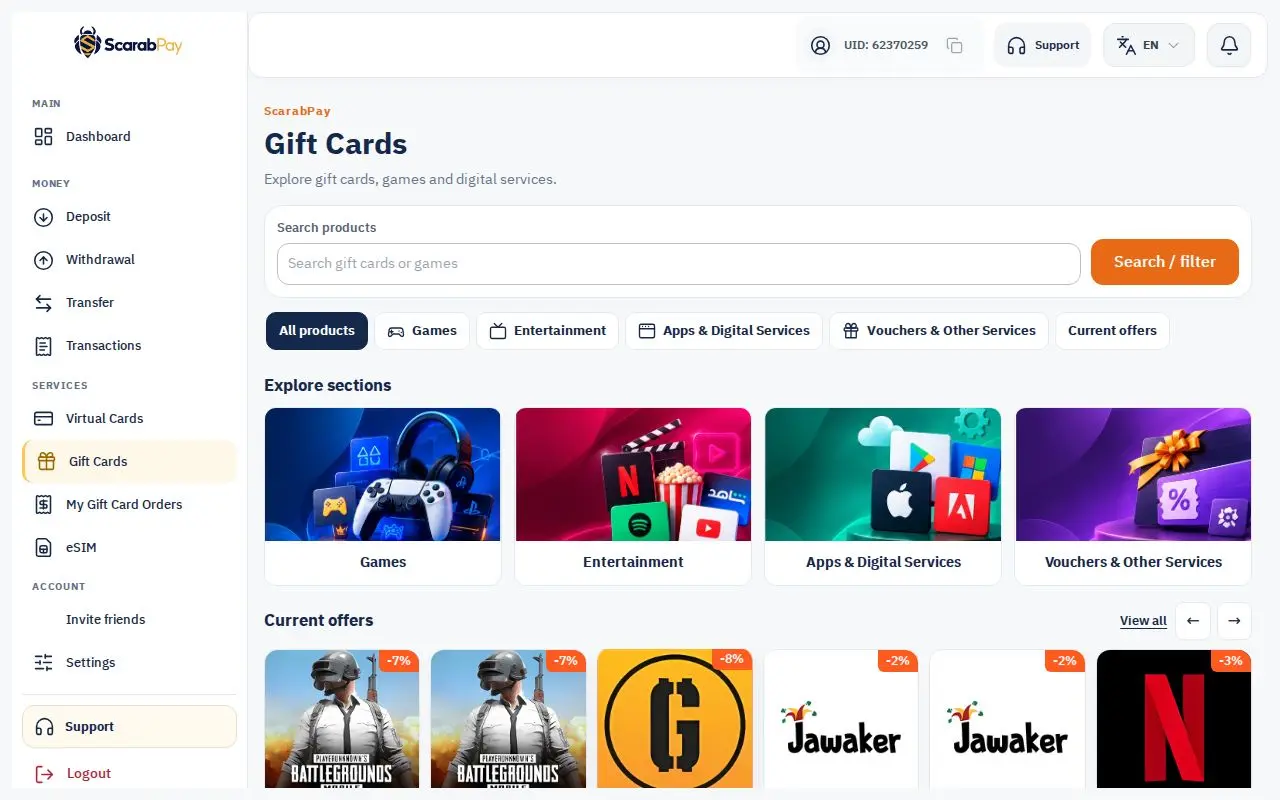
- From the menu, open Gift cards.
- Search for the brand or browse the sections.
- Choose the value and the region that matches your account.
- Review the price and tap buy. It's paid from your wallet balance.
The order appears in Gift card orders. The code is usually ready in under a minute, and the page updates by itself.
Check the regionMany gift cards only work in one region. Make sure the card's region matches your store or game account before you buy.