
How do I issue a card?
 The ScarabPay team · Updated 15 October 2026
Cards are issued from your wallet balance. First make sure your account is verified and your balance covers the initial amount plus fees.
Steps
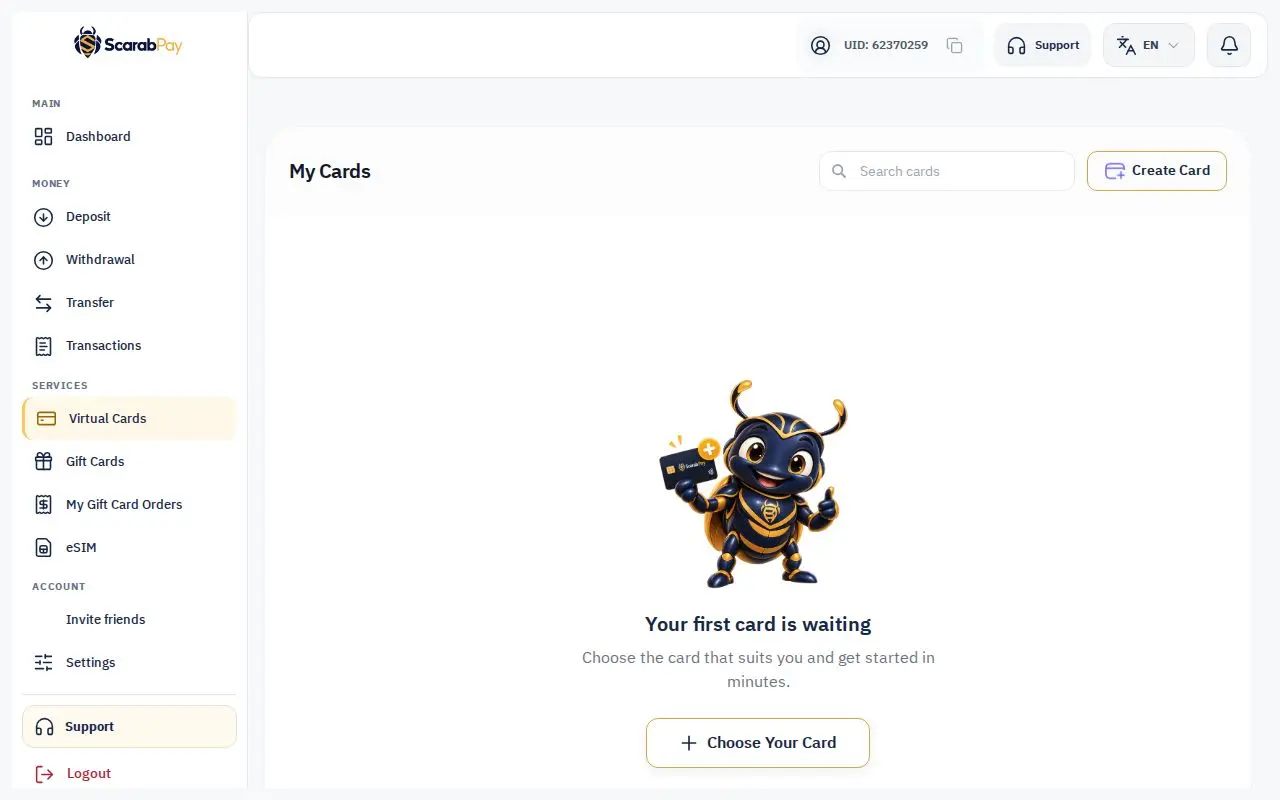
- From the menu, open Virtual Cards and start a new card.
- Choose the card type.
- Enter the amount you want to load onto the card.
- Review the issuing fee and the total that will be taken from your wallet.
- Confirm.
Issuing statuses
- Being created: your request was sent and we're waiting for the card to activate. Don't submit it again.
- Ready: the card is in your cards list, and we email you.
- Not issued — refunded: if issuing doesn't complete, the full amount goes back to your balance.
ImportantIf you see "Awaiting confirmation", don't submit a new request. The first one is still being processed and will either appear in your cards or be refunded.
Each account has a maximum number of cards. Current fees and limits are in the card fee policy.