
How do I add funds with crypto?
 The ScarabPay team · Updated 15 October 2026
You can fund your ScarabPay wallet by sending USDT or USDC to your deposit address.
Steps
- From the menu, open Deposit.
- Choose the token: USDT or USDC.
- Choose the network you'll send on.
- Copy the deposit address or scan the QR code.
- From your wallet or exchange, send the amount to this address on the same network.
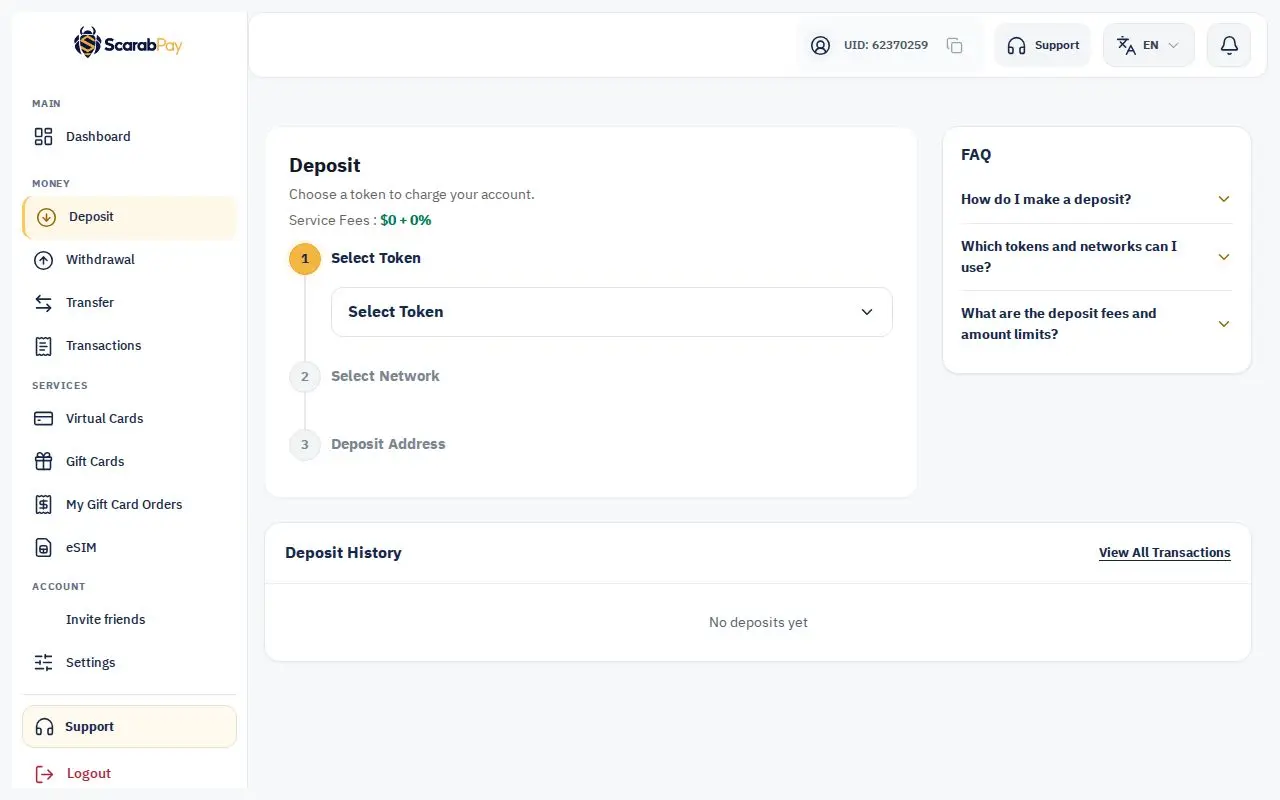
The amount is added to your balance automatically once the network confirms it. It shows in your Deposit history and we email you.
Check the network and tokenSend only the selected token, and only on the selected network. Sending on a different network or an unsupported token may result in loss of funds.
Fees and limits
The fixed fee, percentage fee, minimum and maximum deposit are shown on the Deposit page after you choose a token. Deposits below the minimum may not be credited.