
Sending money to a ScarabPay user
 The ScarabPay team · Updated 15 October 2026
You can transfer balance directly to any other ScarabPay user, and it arrives instantly.
Sending
- From the menu, open Transfer.
- Enter the recipient's ScarabPay ID or email.
- Check the recipient's name shown before you continue.
- Enter the amount.
- Enter your 6-digit withdrawal PIN and confirm.
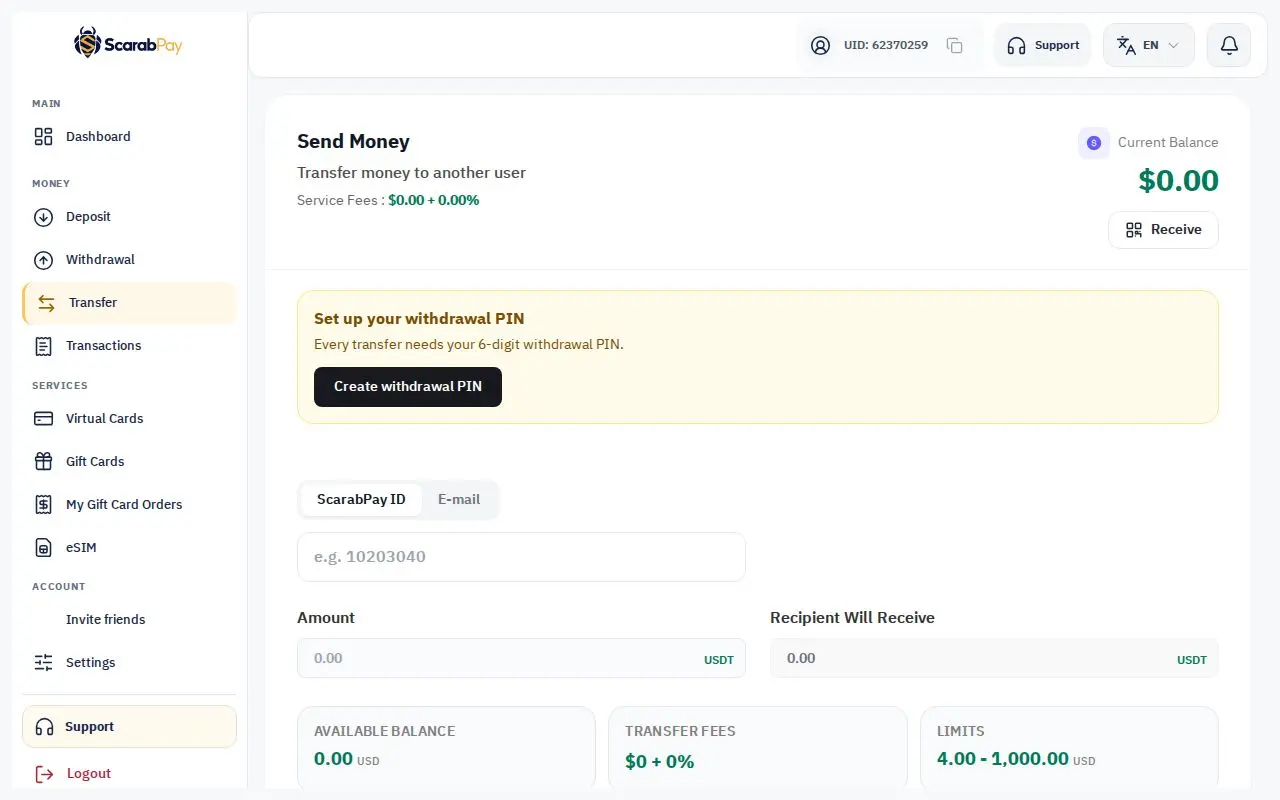
Check the nameTransfers between accounts are instant and can't be reversed. Make sure of the recipient's name before you confirm.
Receiving
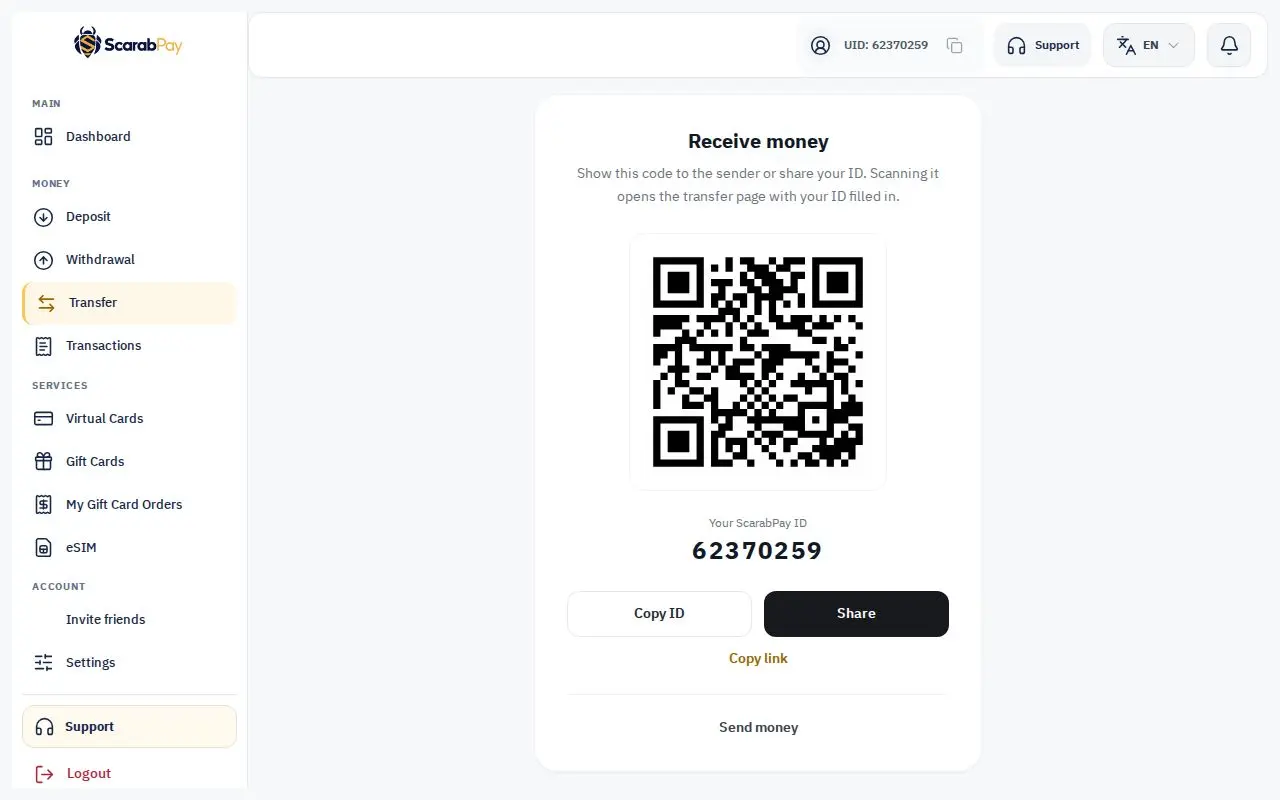
Tap Receive on the Transfer page to show your ID and QR code. Share the ID or link with the sender, or let them scan the code to fill in your ID automatically.
The minimum, maximum and any fees are shown on the page before you confirm.