
Transaction history and statements
 The ScarabPay team · Updated 15 October 2026
The Transactions page shows everything on your account: deposits, withdrawals, transfers, card issuing and top-ups, purchases and fees.
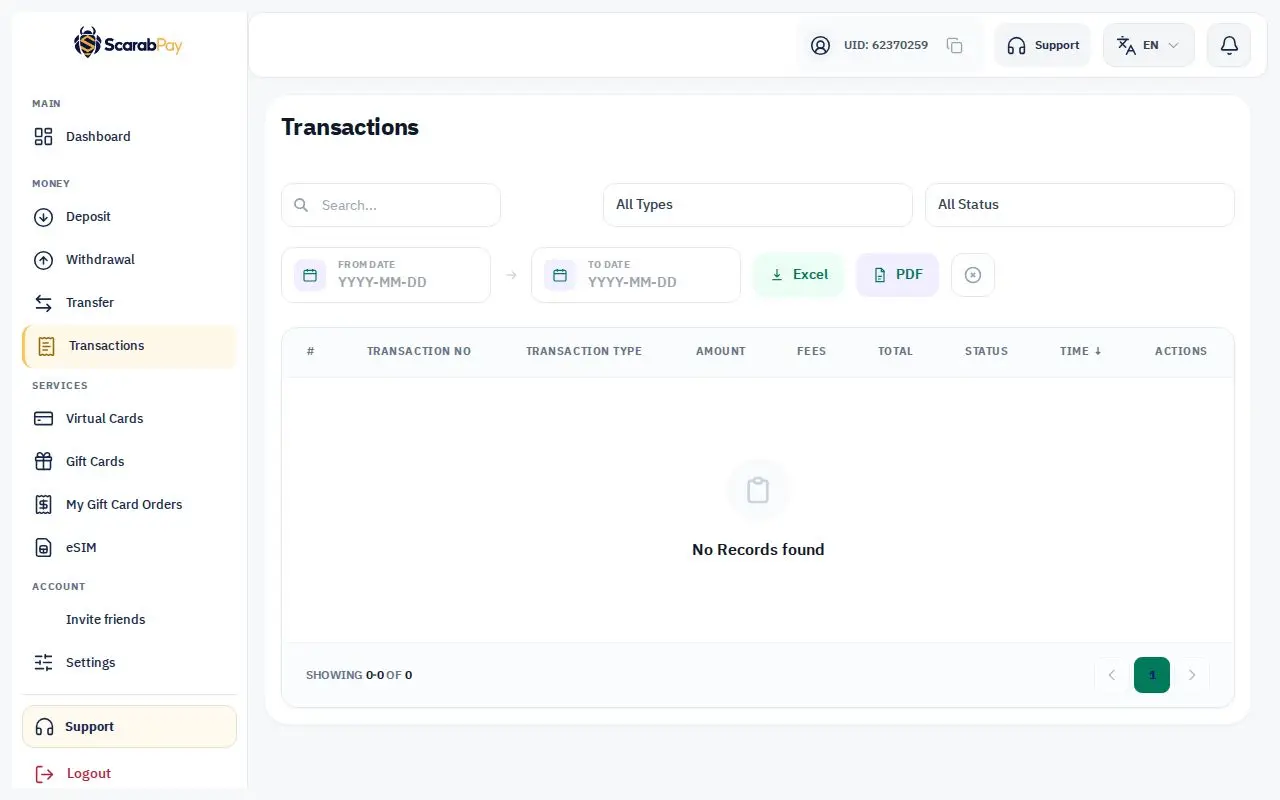
- The list updates live as transactions happen.
- Tap any transaction to see its details and reference number.
- Use the filters to search by type or date.
Export and print
- Excel: export your transactions to a spreadsheet.
- Transaction statement: open a statement ready to print or save as PDF.
For a specific card, open the card and then Card transactions — you can export those too.
Pending transactionsSome card payments show as pending until the merchant confirms them, which can take time depending on the merchant.