
How do I buy an eSIM plan?
 The ScarabPay team · Updated 15 October 2026
- From the menu, open eSIM.
- Search for the country, or choose a regional or global plan.
- Compare plans by data, validity and price.
- Review the plan and tap Buy eSIM. It's paid from your balance.
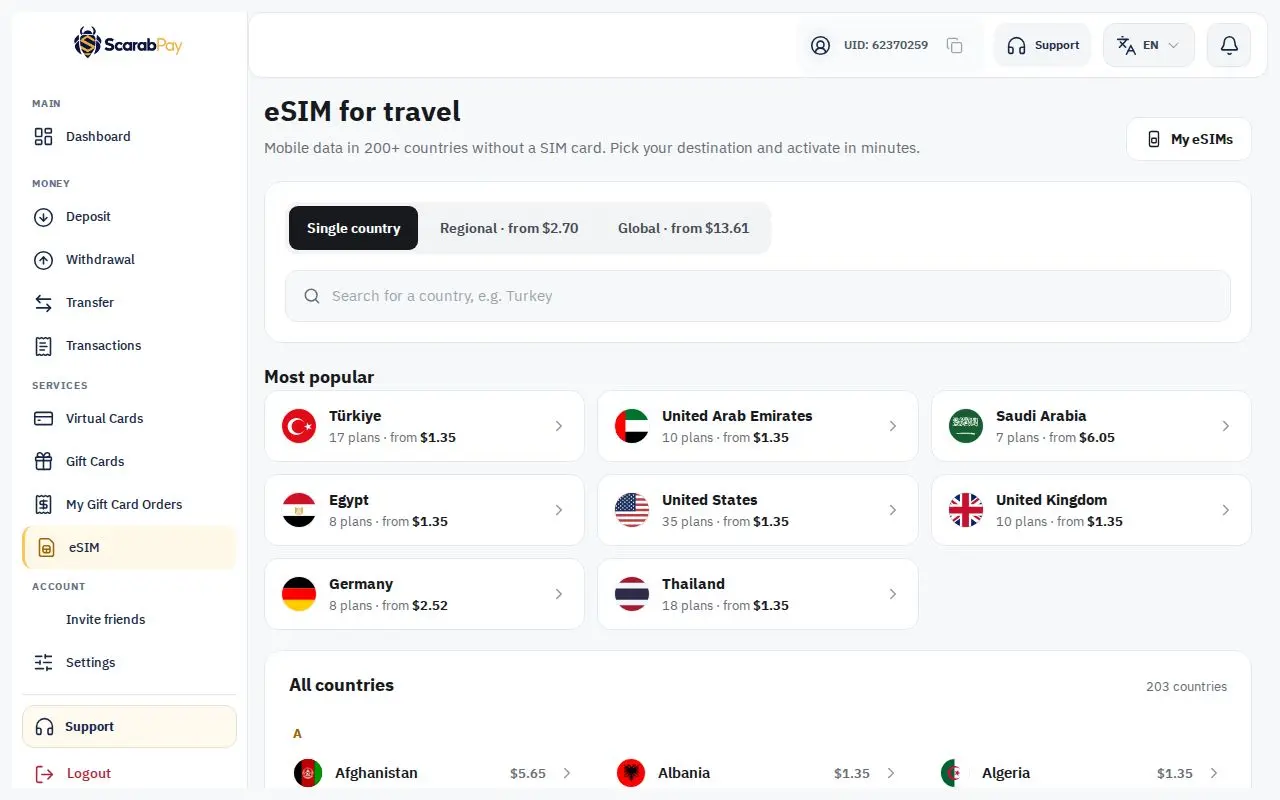
After buying, the eSIM appears in My eSIMs. While it's being prepared you'll see "Your eSIM is being prepared", then the installation details appear: a QR code and an activation code.
When does validity start? The activation date is shown in the eSIM details. On most plans, validity starts when the eSIM first connects to a network in the destination country.