
Turning on two-factor authentication
 The ScarabPay team · Updated 15 October 2026
Two-factor authentication asks for a code from an app on your phone in addition to your password, so no one can get into your account even if they know your password.
Setting it up
- Install an authenticator app on your phone, such as Google Authenticator or any TOTP app.
- In Settings, open Security.
- Tap Set up authenticator.
- Scan the QR code with the app, or enter the manual key.
- Enter the 6-digit code from the app and tap Confirm and enable.
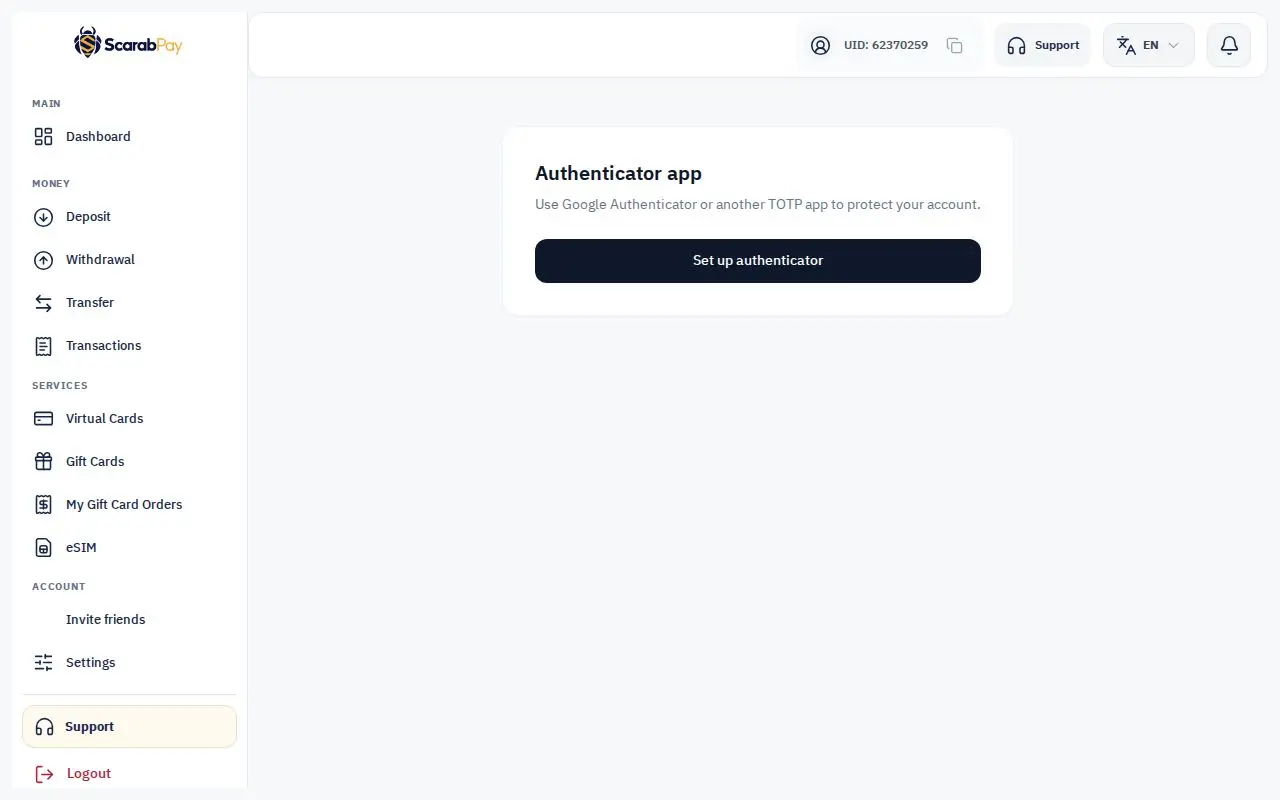
Once it's on, we ask for the code when you sign in and when you view card details.
Keep the key safeSave the manual key somewhere safe. If you lose your phone, you'll need it to add the account back to your authenticator app.