
Your withdrawal PIN
 The ScarabPay team · Updated 15 October 2026
Your withdrawal PIN is a personal 6-digit code, separate from your password. We ask for it when you withdraw and on every transfer, and you can use it to view gift card codes.
Setting it
- In Settings, open Withdrawal PIN.
- Enter 6 digits and confirm them.
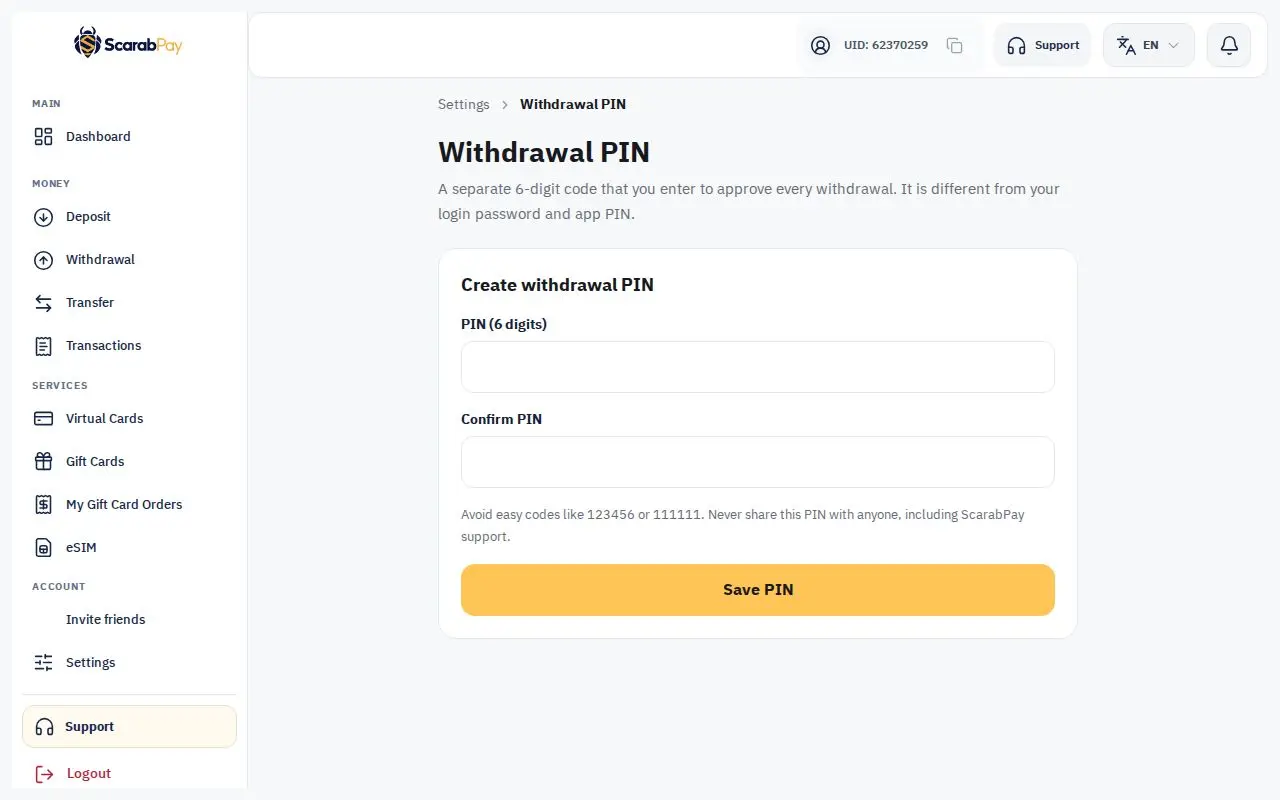
Avoid easy PINs like 111111 or 123456 — they won't be accepted.
Changing it
Enter your current PIN, then the new one. After a PIN change, withdrawals are paused for 24 hours to protect your account, and we email you a confirmation.
Forgot your PIN
- Choose forgot PIN.
- Enter the code we email you, plus your authenticator code if two-factor authentication is on.
- Choose a new PIN. Withdrawals are paused for 24 hours after a reset.
Wrong attemptsAfter 5 wrong attempts, the PIN is locked for 30 minutes.