
Forgot your password
 The ScarabPay team · Updated 15 October 2026
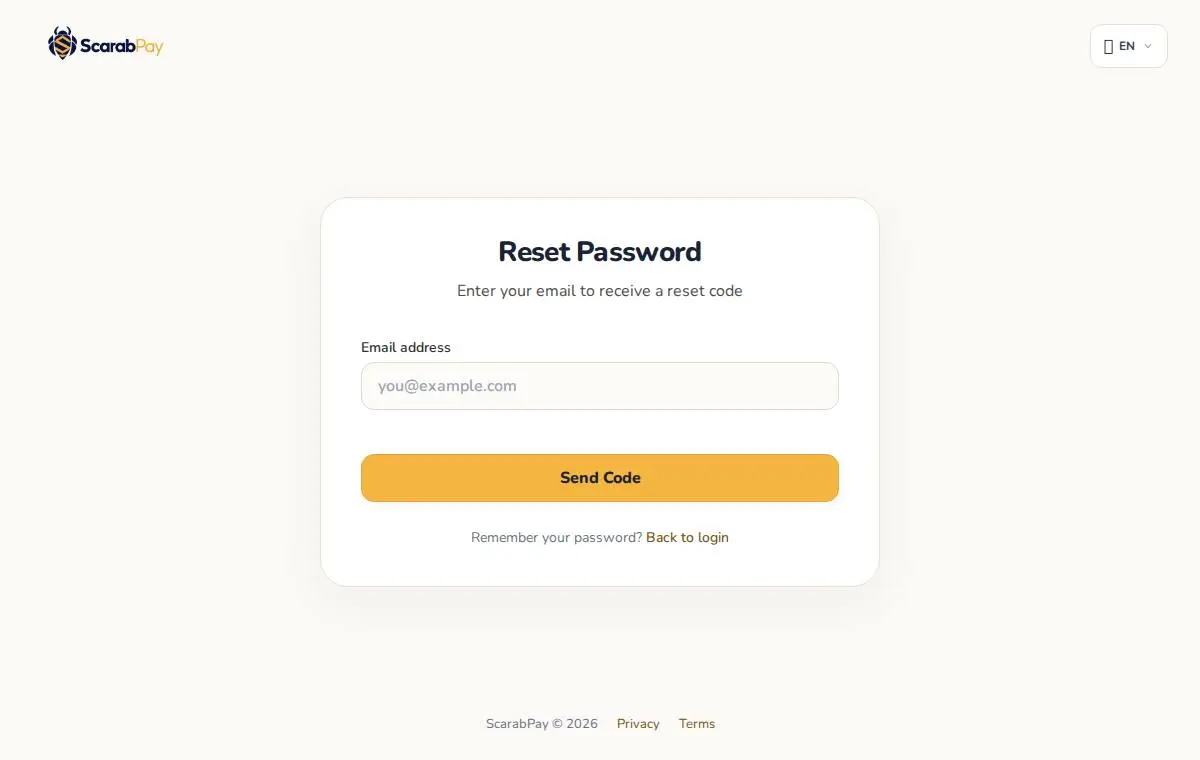
If you forgot your password, you can set a new one with a code sent to the email on your account.
- On the sign-in page, tap Forgot password?
- Enter your email and tap Send code.
- Enter the code you received by email.
- Choose a new password and confirm it.
After the change we send you a confirmation email. If you get it and didn't change your password yourself, contact support right away.
Tips for a strong password
- Use 10 or more characters mixing letters, numbers and symbols.
- Don't reuse the same password on other sites.
- Turn on two-factor authentication for extra protection.