
Signing in with Google
 The ScarabPay team · Updated 15 October 2026
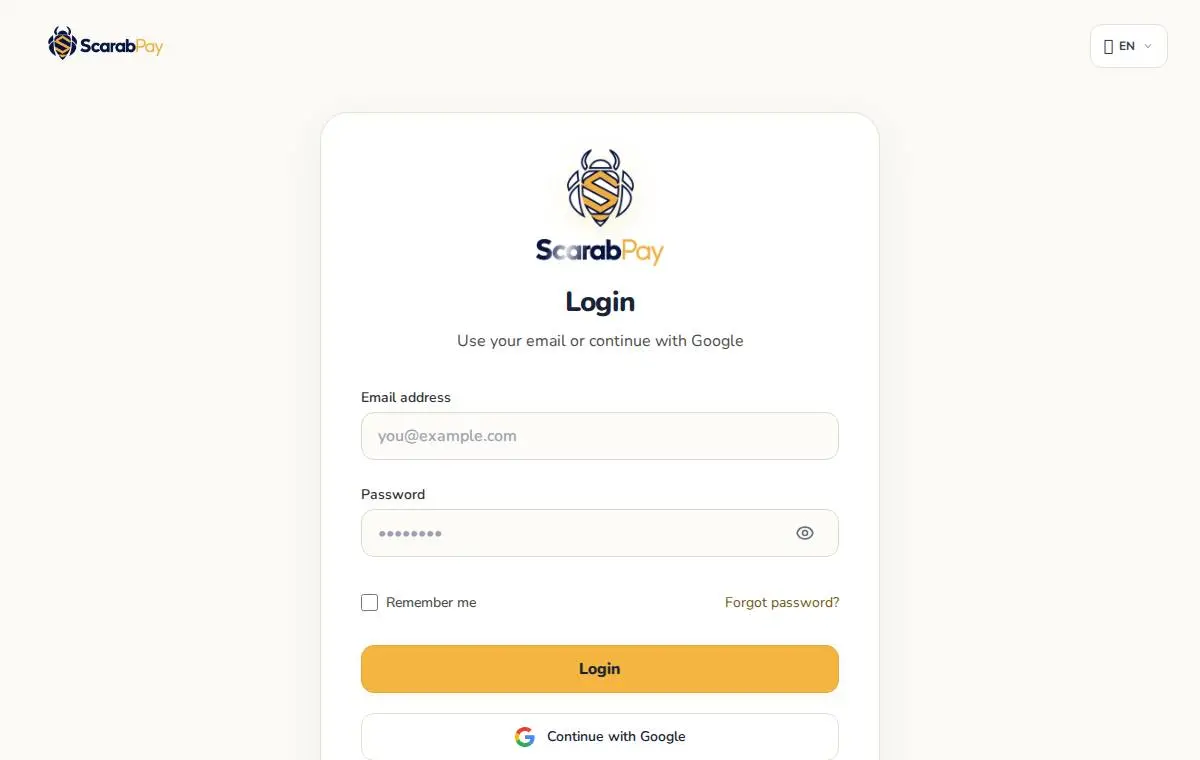
You can use your Google account to create a ScarabPay account or sign in without a password. When you sign up with Google, your email is verified automatically.
Signing in
- Open the sign-in page and tap Continue with Google.
- Choose the Google account you want to use.
- You'll go straight to your dashboard.
I already have an account with the same email
If your Google email is already used by a ScarabPay account you created with a password, we don't link them automatically, to protect your account:
- Sign in first with your email and password.
- Confirm that you want to link Google to this account.
- From then on you can sign in with Google.
NoteIn the app, sign in with your password first. To link Google the first time, use the ScarabPay website — after that, Google sign-in works in the app too.