
Updating your details and language
 The ScarabPay team · Updated 15 October 2026
Editing your details
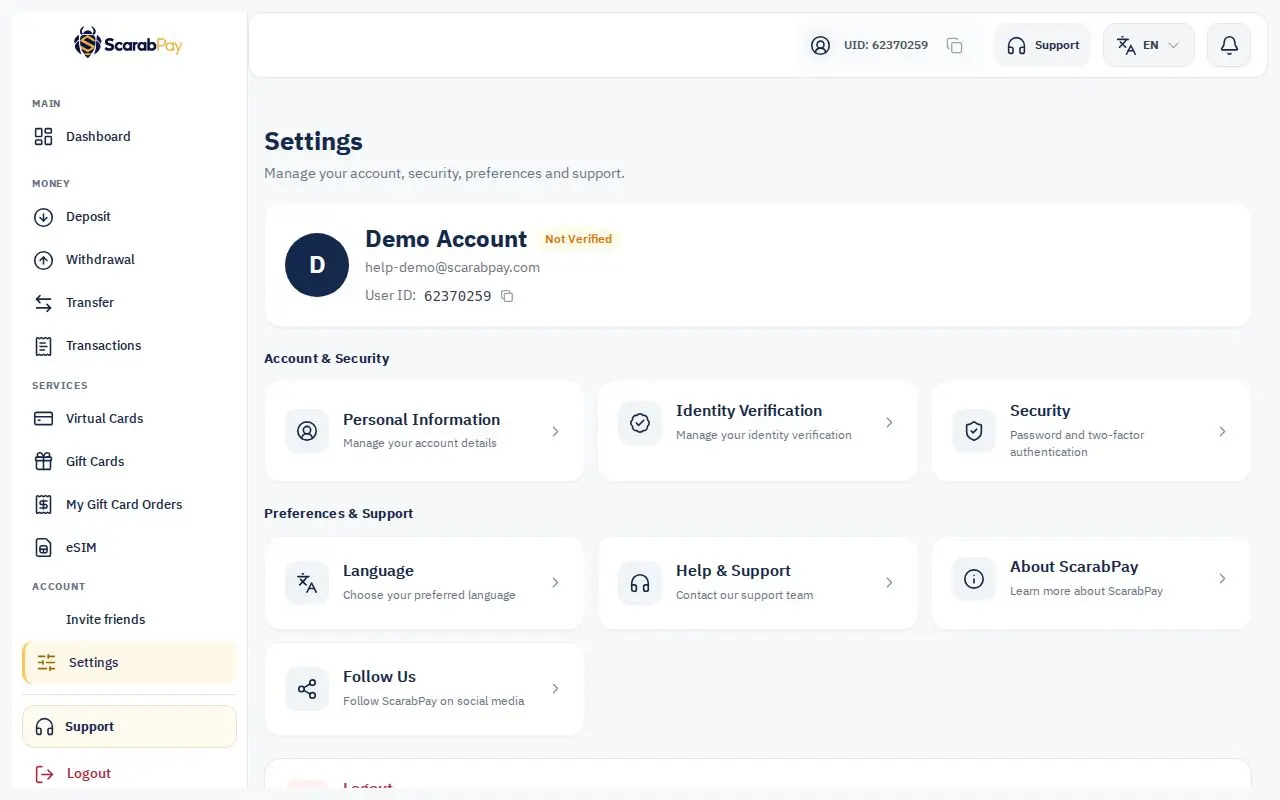
- From the menu, open Settings.
- Edit the available information, such as your phone number.
- Save your changes.
NoteAfter identity verification, your name is tied to your document and can't be edited in your account. If it's wrong, contact support.
Changing the language
The dashboard is available in Arabic, English and Russian. Choose the language from the language menu at the top of the page and it switches right away.
We send emails in the language you use in your account.